
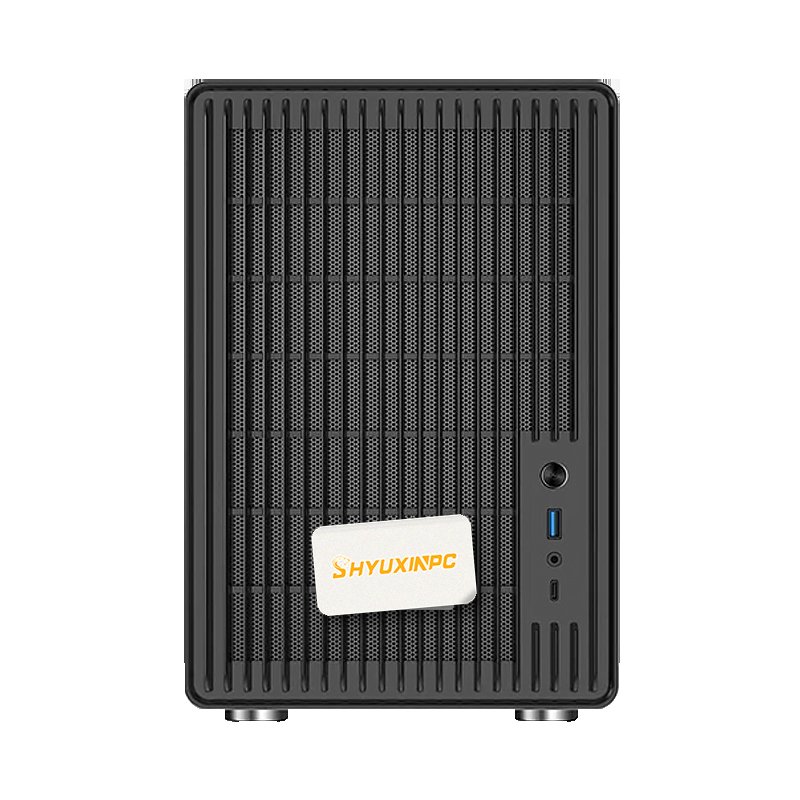
Description
Overview
Choosing a desktop graphics workstation is a configuration exercise before it is a purchasing one. This selection route matches processor platform, professional GPU tier, memory and storage against the software list, file sizes and delivery constraints of a given design or engineering team, instead of starting from a fixed catalogue number.
Typical applications include initial configuration shortlisting, batch procurement for design teams and replacement or upgrade of ageing workstations. Final configurations should be confirmed against the software stack, project scale, VRAM footprint, display requirements and deployment environment.
SHYUXINPC advises on configuration, deploys drivers and the operating system, runs baseline stress tests and supports handover, so fleets are standardised on builds that fit real workflows rather than the specification sheet alone.
Key highlights
- Start from the customer's software list and project file sizes
- Then size the professional GPU tier, memory and storage capacity
- Finish by confirming display outputs, acoustics, footprint and after-sales terms
Technical specifications
| Positioning | Desktop graphics workstation selection |
|---|---|
| Platform | Intel Core / Ultra or AMD Ryzen |
| GPU | NVIDIA Quadro / RTX professional graphics card |
| Memory | DDR5 platform, capacity confirmed per project |
| Applications | CAD, BIM, DCC, print media and engineering work |
Applications
- Initial configuration shortlisting for a project
- Batch procurement for design teams
- Replacement and upgrade of ageing workstations
Configuration & delivery
| Configuration review | Confirmed against application load, software environment, budget, power, cooling and space |
|---|---|
| Delivery scope | Single GPU or complete system, with system environment and baseline testing available per project |
| Service & support | Covers deployment, acceptance support, documentation and after-sales maintenance |
- Configuration confirmed against application load, budget, power and space
- System installation, driver deployment, baseline stress testing and acceptance handover available
- Project-specific quotation, stock availability and after-sales terms provided on request


Reviews
There are no reviews yet.